

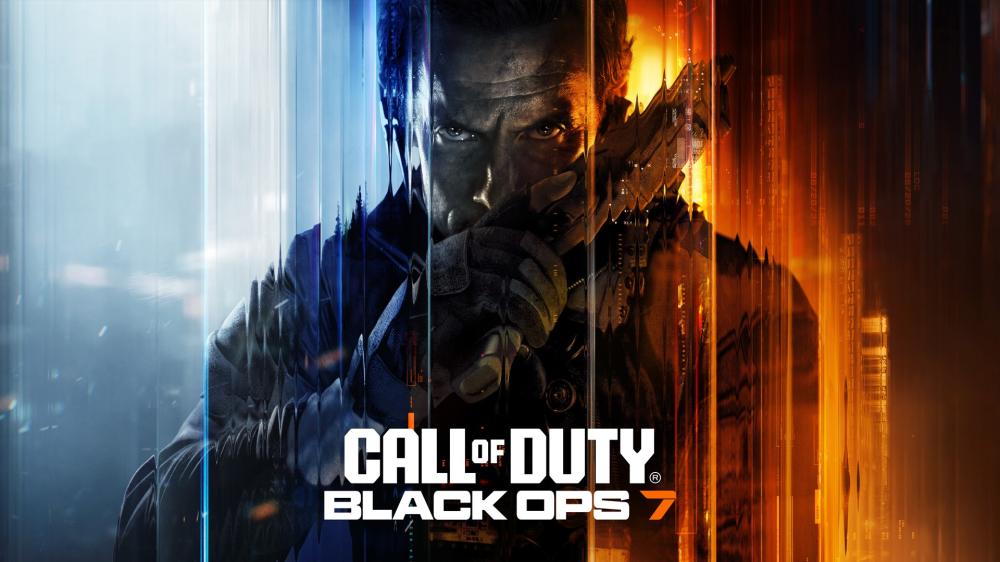
Call of Duty: Black Ops 7 Guide to Choosing the Right Version
Buying Call of Duty: Black Ops 7 sounds simple—until you’re staring at multiple platform listings and different editions. PlayStation, PC, Xbox… Standard, Vault… and sometimes even different delivery methods depending on the store. One wrong click can mean you end up with a version you can’t use.
This guide helps you pick the right Call of Duty: Black Ops 7 version for how you actually play, with a quick checklist, clear scenarios, and direct platform links.
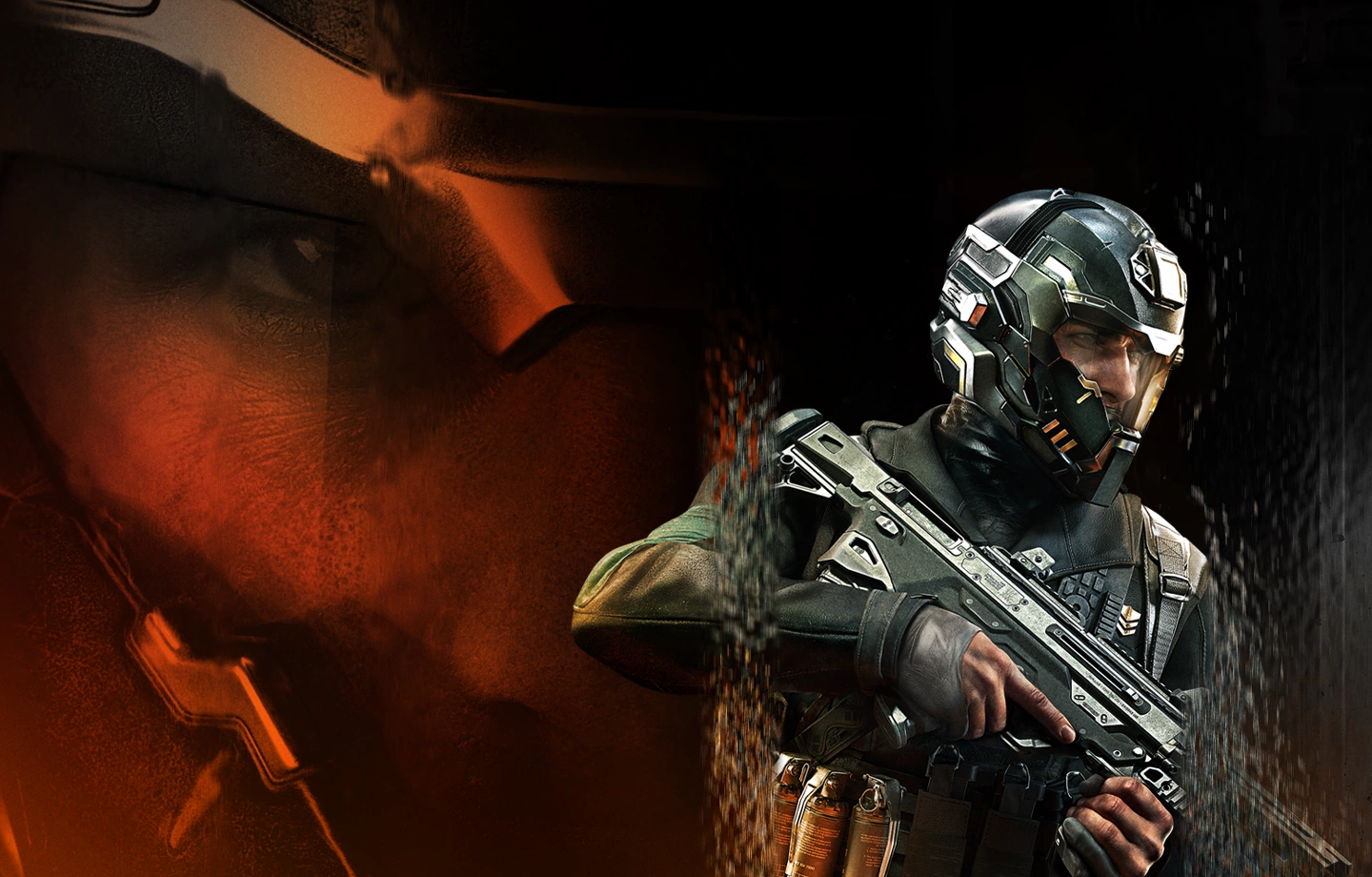
Source: Call of Duty Official Site (callofduty.com).
Start here: what platform will you play on every day?
Before you compare prices or bonuses, lock in these three answers:
- Your main platform: PlayStation, PC, or Xbox
- Your playstyle: competitive multiplayer, Zombies, Campaign, or all of the above
- How you want to use it: always on your own account, or you’re fine following a specific activation method (if the listing requires it)
Once you’re clear on those, the “right version” usually becomes obvious.
PlayStation vs PC vs Xbox, which one fits you
PlayStation version for couch play and a straightforward setup
Pick PlayStation if you:
- play on PS5 or PS4
- prefer a plug-and-play experience over tuning settings
- want your main gaming time on the same console you already use
Heads-up: online multiplayer on console may require an online subscription (platform rules vary by mode and region).

Source: Wikimedia Commons (commons.wikimedia.org).
A key practical point: some stores may deliver PlayStation games via a digital account with specific activation steps. For example, the Nu8th PlayStation listing mentions options like activating as primary and rules you should follow for eligibility and support. Always read the “account/activation/guarantee” section on the product page before checkout. (nu8th.com)
PlayStation link:
PC version for maximum control and performance flexibility
PC is the best fit if you:
- prefer mouse and keyboard
- want graphics and performance options
- have a solid rig, storage space, and stable internet for large updates
PC delivery often depends on the platform (like Steam or Battle.net). Confirm the exact method in the listing you’re buying. (nu8th.com)

Source: Wikimedia Commons (commons.wikimedia.org).
PC link:
Xbox version for the Microsoft ecosystem experience
Xbox makes the most sense if you:
- play primarily on Xbox consoles
- prefer Xbox’s UI and update management
- want everything aligned inside your Xbox environment
Online multiplayer may require an active subscription depending on the mode (for example, Xbox online access tiers). (nu8th.com)

Source: Wikimedia Commons (commons.wikimedia.org).
Xbox link:
Choosing an edition: Standard vs Vault
You may see multiple editions. A safe way to think about it:
- Standard is usually the base game.
- Vault or premium editions are for players who care about extras like cosmetics, bundles, or seasonal bonuses.
The official site references options like a Vault edition with additional rewards—but that doesn’t mean every store listing includes it. The only reliable source for what you’re getting is the product description on the page you’re buying from. (Call of Duty)
Delivery method matters more than people expect
Depending on the store, you might receive:
- A code/license you redeem on your own account
- A digital account method where you follow specific steps to download and play, sometimes enabling primary access so you can play on your main account (varies by product)
Example: the Nu8th PlayStation listing explicitly discusses account activation options and usage rules. If your listing works this way, treat those steps as part of the product. (nu8th.com)
[Internal Link: How to choose the safest digital delivery method]
[Internal Link: Best online subscriptions for PlayStation and Xbox]
One-minute checklist before you buy
Run through this fast checklist:
- Does the listing clearly match your platform: PS, PC, or Xbox?
- Is the edition named: Standard, Vault, or something else?
- What’s the delivery method: code, account, store platform?
- Do you need an online subscription for multiplayer?
- Is the language or region note acceptable for you?
- Do you have storage space and a stable connection for big updates?
Official gameplay visuals to set expectations

Source: Call of Duty Official Site (callofduty.com).
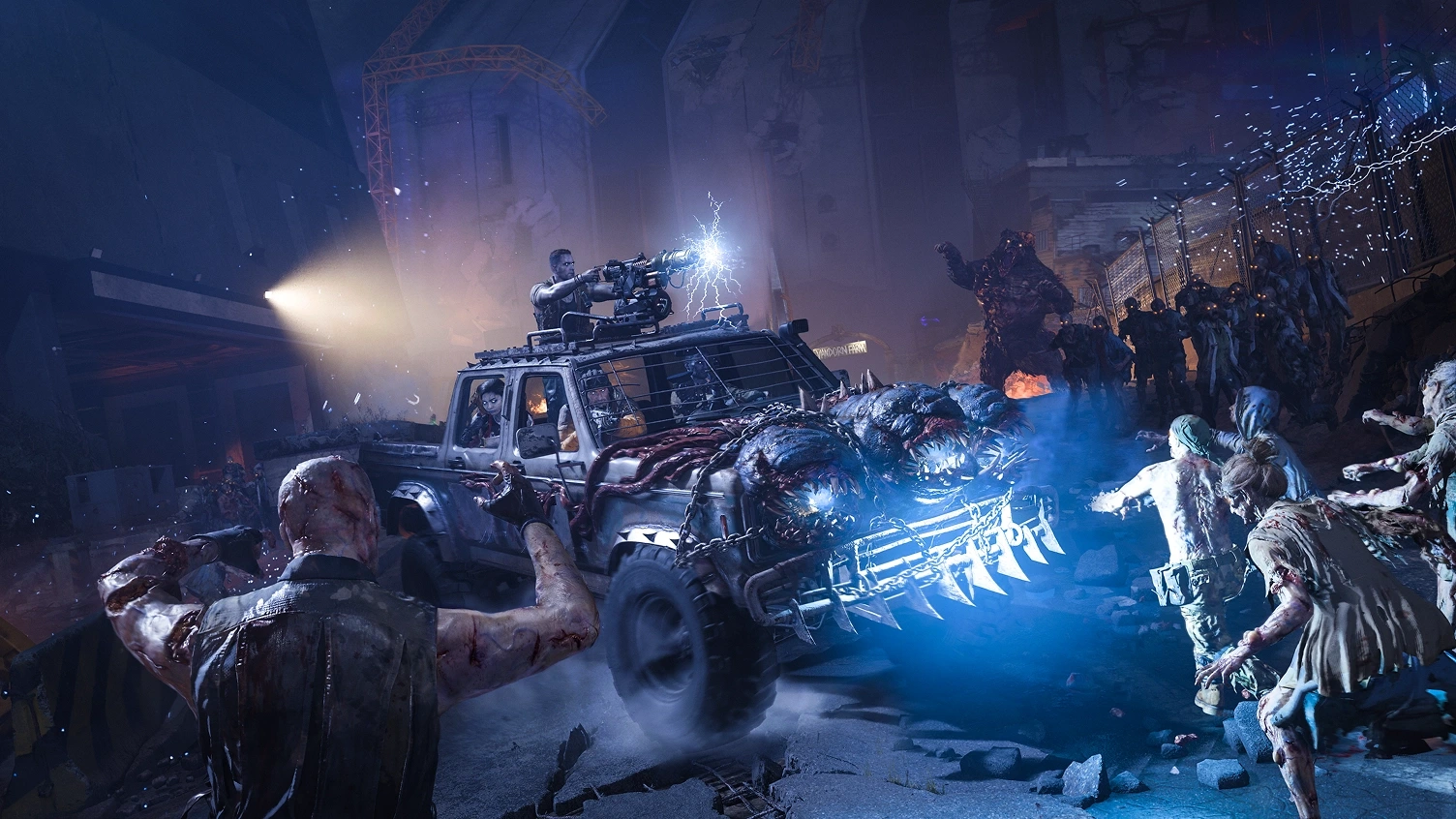
Source: Call of Duty Official Site (callofduty.com).
Which version is best for you, real-world scenarios
- Competitive daily player: buy the platform you and your squad play the most; prioritize stable internet and online access first.
- Zombies fan: focus on getting the correct platform and edition details; cosmetics are optional unless you truly want them.
- Campaign and co-op player: make sure the edition you’re buying includes the modes you care about, and double-check store notes.
- All-in player: consider premium editions only if the extras are clearly listed and you’ll actually use them.
[Internal Link: Xbox Game Pass Core vs Ultimate comparison]
[External Reference: official Call of Duty: Black Ops 7 page]
FAQs
1) How do I avoid buying the wrong platform version?
Use the direct platform links and confirm the product title: PlayStation, PC, or Xbox. Don’t rely on thumbnails alone.
2) Do I need a subscription for online multiplayer?
Often yes on console, depending on mode and platform policy. PC rules differ. Always check your platform’s requirements.
3) What’s the difference between Standard and Vault?
Standard is typically base access; Vault or premium editions add extra content. Confirm exactly what’s included on the product page you’re purchasing. (Call of Duty)
4) What does “digital account delivery” mean?
It means you may receive account details and follow specific activation rules to download/play. Some products allow playing on your main account after primary activation, but it depends on the listing details. (nu8th.com)
5) Can I play with friends on other platforms?
Many Call of Duty titles support cross-play where available, but features can vary. Check official notes and your platform version details.
6) What if I purchase the wrong version?
That depends on the store policy and product type (code vs account delivery). This is why the checklist above matters.
Wrap-up and the simplest next step
Choosing the right Call of Duty: Black Ops 7 version is easy when you follow the order: platform first, then delivery method, then edition, and finally online requirements. Ready to pick yours?