

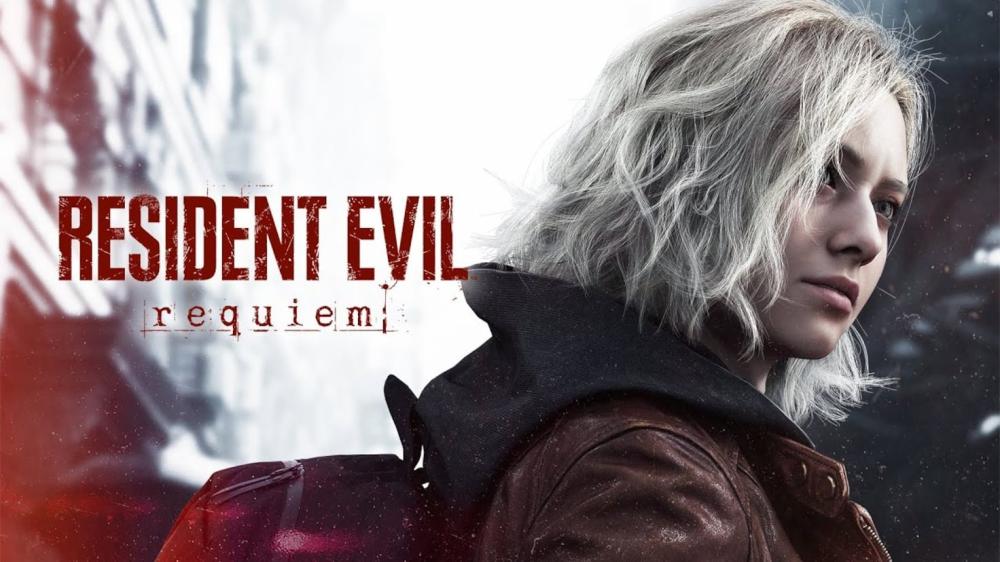
Resident Evil 9 Requiem: Performance, Visual Quality & Release Date (plus practical settings tips)
If you’re here, you’re probably asking the same three questions everyone asks before jumping into a modern survival-horror heavyweight: When does it release, how does it run, and what settings actually look best?
This guide breaks down Resident Evil 9 Requiem (officially titled Resident Evil Requiem) with a simple goal: help you get the sharpest image and smoothest gameplay on PS5 / PS5 Pro, Xbox Series, and PC—without guessing, and without overpromising.
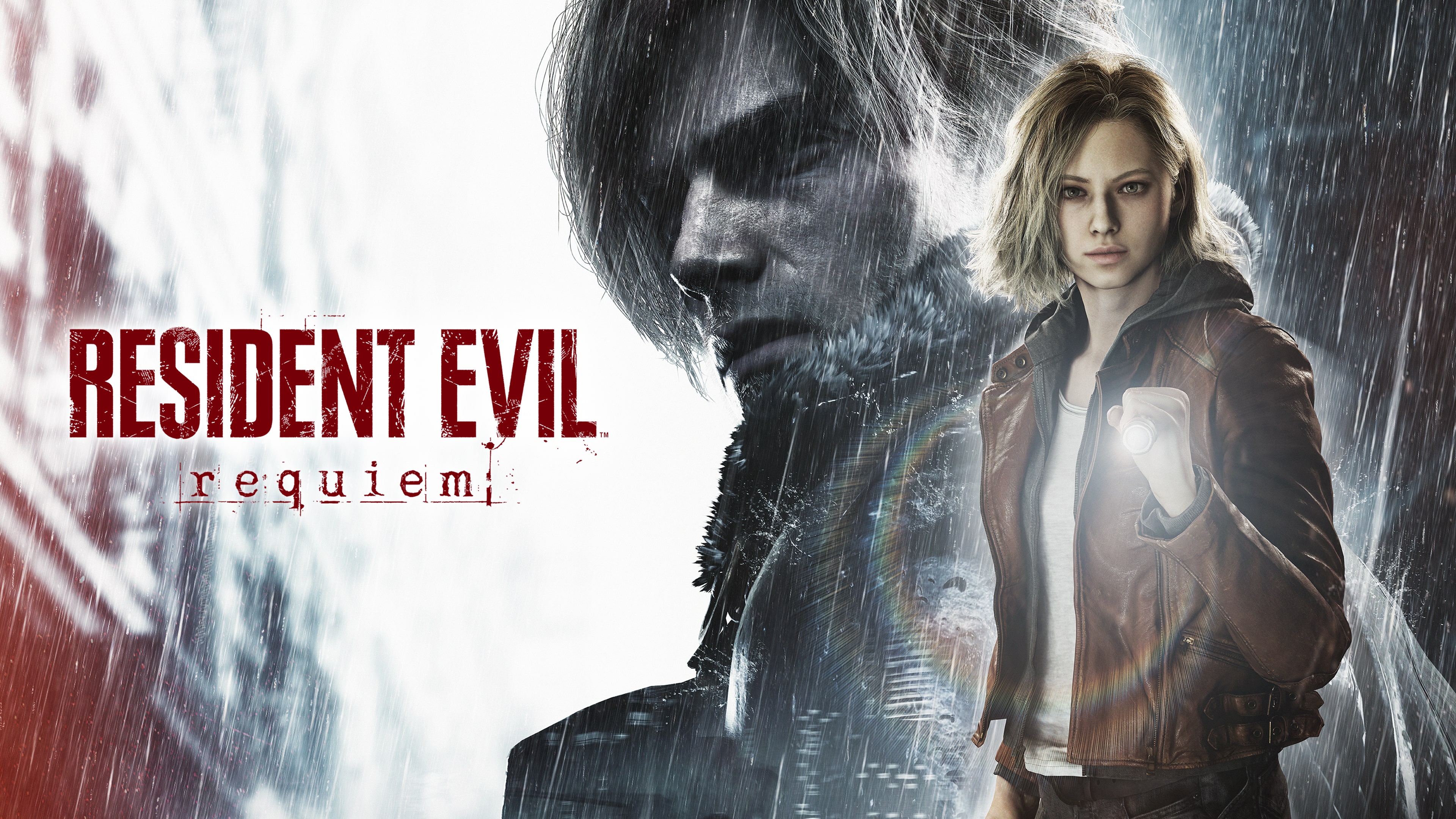
Source: PlayStation Store (playstation.com)

Source: PlayStation Store (playstation.com)
Source: PlayStation (YouTube) (i.ytimg.com)
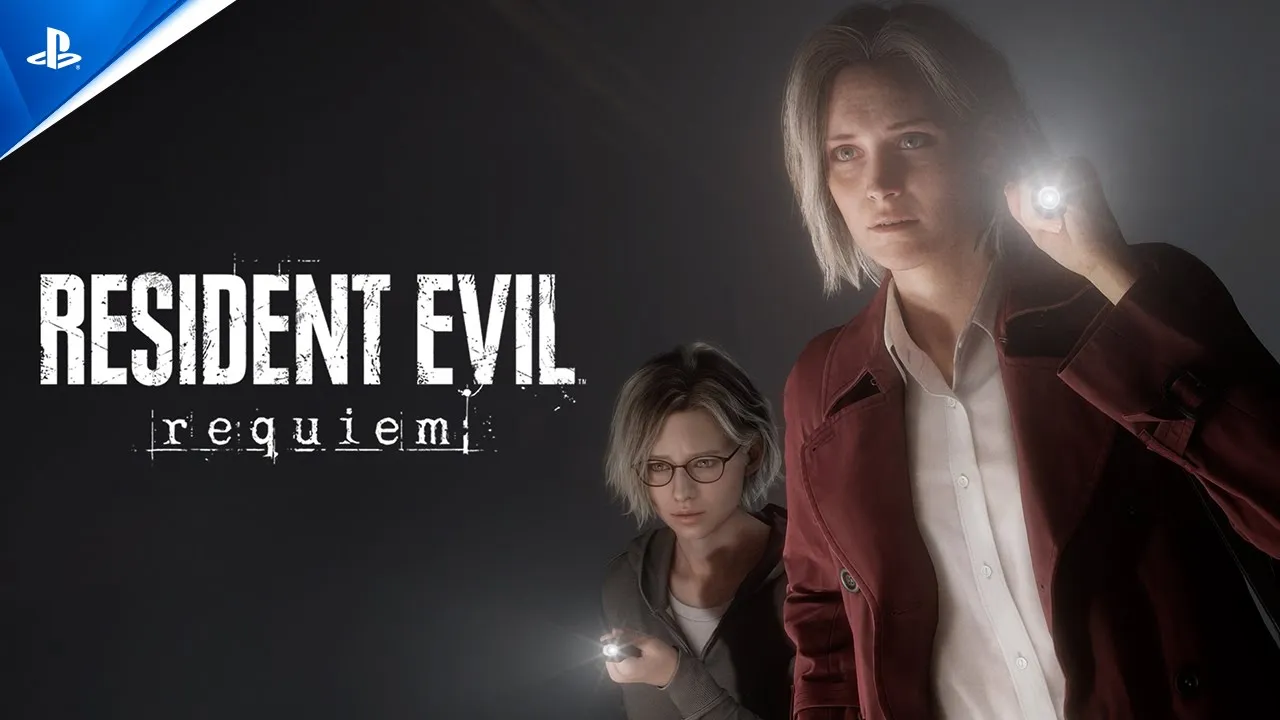
Source: PlayStation (YouTube) (i.ytimg.com)
Resident Evil 9 Requiem release date (confirmed)
Store listings for PS5 show a release date of February 27, 2026. (PlayStation)
Keep in mind: exact unlock time can vary by region, platform, and day-one updates.
Shop the version you want:
What “performance” and “quality” really mean in Requiem
In a dark, detail-heavy horror game, “quality” isn’t just marketing. It usually comes down to:
- Frame rate (FPS): smoother motion, cleaner aiming, better camera panning
- Resolution / image clarity: sharpness vs softness from upscaling
- Lighting, shadows, reflections: the stuff that makes horror feel real
- Ray tracing (if enabled): more realistic lighting/reflections, sometimes at a cost
The best setup is rarely “max everything.” It’s the best balance for your display and your tolerance for blur vs. stutter.
PS5 & PS5 Pro performance: what to expect and what to pick
On the PlayStation listing, the game is marked PS5 Pro Enhanced. (PlayStation)
That matters because “Pro Enhanced” titles typically push better upscaling, lighting features, and additional display modes.
The practical pick (most players will prefer this)
- If you care about atmosphere, lighting, and cinematic feel: start with the 60fps-focused mode.
- If you care most about responsiveness and your TV supports it: try 120Hz (if available), but expect visual trade-offs.
Coverage referencing Digital Foundry’s technical analysis (via Push Square) notes a strong 60fps presentation on PS5 Pro with ray tracing and very high-quality upscaling, plus a 120fps option that trades away some image features (like ray tracing and the premium upscaling) to match closer to the base PS5-style presentation. (Push Square)
Quick PS5 display checklist (fast wins)
- Turn on your TV’s Game Mode
- Enable VRR if your display supports it (especially helpful with high-refresh modes)
- Calibrate HDR only if your panel handles HDR well—otherwise dark scenes can look washed out
Xbox Series performance: a simple way to choose
On Xbox, the decision is usually the same split: smoother play vs. richer visuals.
- Prefer Performance if you want stable motion and snappy control
- Prefer Quality if you’re playing in a dark room and want maximum lighting detail
Best advice: test both modes in a busy, dim interior area for 5–10 minutes. In horror games, that’s where image stability (and fear factor) matters most.
PC performance & quality: how to get the best look without stutter
PC is the “tuning platform”—great results, but you need a plan.
A realistic baseline
Some published recommended PC specs include Windows 11, 16GB RAM, CPUs like Intel i7-8700 / Ryzen 5 5500, and GPUs like RTX 2060 Super / RX 6600. (Radio Times)
Use that as a starting point, then tune for your target: 1080p, 1440p, or 4K.
Settings that usually give the best quality-per-performance
If your FPS is unstable, these are often the first “high cost” settings to reduce:
- Shadows (drop one notch)
- Volumetrics / Fog (drop one notch)
- Keep Textures higher if you have enough VRAM
- If ray tracing is available and hurts smoothness: toggle it on/off and decide based on your personal “lighting vs FPS” preference
Horror-specific tip
A rock-solid 60fps at 1440p often feels better (and looks cleaner in motion) than chasing 4K with dips. In survival horror, clarity in the dark beats raw pixel count.
Which version should you buy: PS5, PC, or Xbox?
Pick based on how you play:
- PS5 / PS5 Pro: plug-and-play, with PS5 Pro Enhanced noted on the store listing (PlayStation)
- PC: best for tweaking visuals and aiming for your personal “perfect balance”
- Xbox: great if you’re in the Xbox ecosystem and want the platform’s display features (VRR/120Hz depending on your setup)
Quick links:
How digital delivery works on our store (simple overview)
According to the product page description, delivery is digital, using account/activation details sent by email with clear activation instructions. (Nu8th Store)
(Always follow the exact steps shown on your specific platform listing.)
[Internal Link: PS5 activation guide step-by-step]
[Internal Link: Safe PC delivery & account setup checklist]
[Internal Link: Xbox activation walkthrough and common fixes]
[Internal Link: Support, warranty, and store policy page]
[External Reference: official publisher page]
FAQs
1) What is the Resident Evil 9 Requiem release date?
February 27, 2026 is listed on major store pages. (PlayStation)
2) Is Resident Evil Requiem PS5 Pro Enhanced?
Yes—PlayStation’s listing shows PS5 Pro Enhanced. (PlayStation)
3) Is there a 120fps mode?
Technical coverage citing Digital Foundry’s breakdown mentions a 120fps option with visual compromises compared to the premium 60fps presentation on PS5 Pro. (Push Square)
4) Does the game support Arabic?
On our PS5 product page, the listed language is English, and Arabic localization is not indicated there. (Nu8th Store)
(Always double-check your exact platform listing.)
5) What’s the best mode for visual quality on console?
Start with the 60fps mode, then try higher-refresh options if your display supports them and you prefer responsiveness.
6) What PC specs should I aim for?
Use published recommended specs as a baseline, then tune settings to lock your desired FPS. (Radio Times)
Final takeaway
Resident Evil 9 Requiem is the kind of game where the right mode changes the whole vibe. If you want the most “cinematic horror” feel, start at a stable 60fps with the best lighting your platform can deliver. If you want maximum responsiveness, test high-refresh options—but expect trade-offs.
Ready to jump in?