

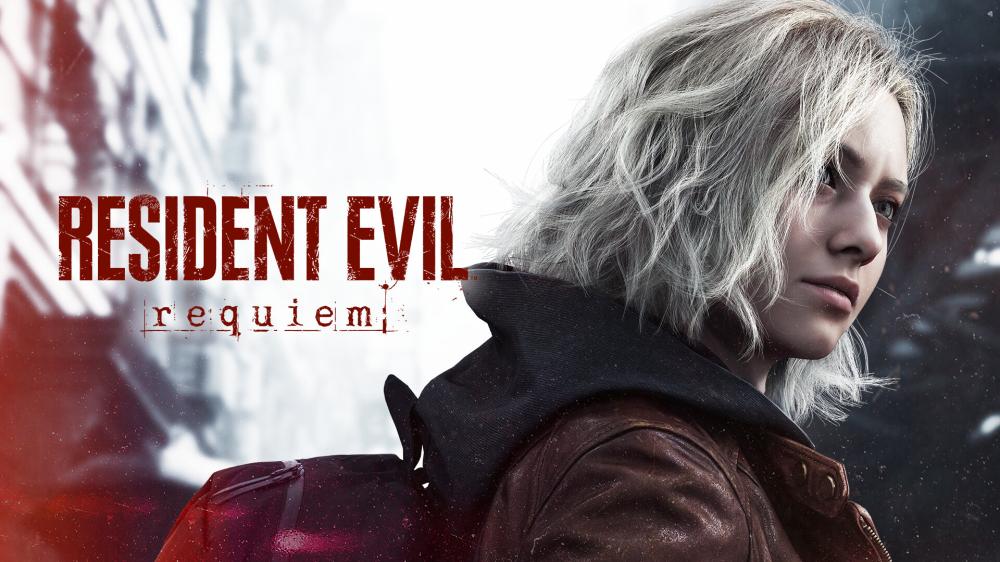
One Day Left for Resident Evil 9: Requiem — Release Timing, Preload Prep, and Smart Pre-Order Tips
If your search history looks like “Resident Evil 9 release date,” “Resident Evil 9 Steam,” or “Resident Evil 9 pre order,” you’re not alone. Resident Evil Requiem—widely referred to as Resident Evil 9—is right at the finish line, and the last 24 hours are all about preparation: storage, downloads, account access, and choosing a purchase option you can trust.
This guide keeps it simple: what “tomorrow” really means across regions, what to set up tonight, and how to pick the right platform (PC/PS5/Xbox) without stress.
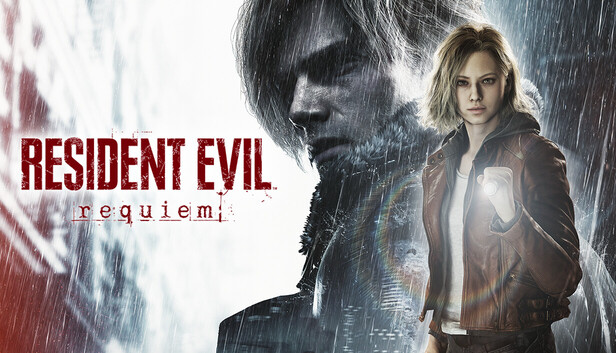
Source: Steam Store (store.steampowered.com)
Is it launching tomorrow? Why dates can look different
You may see different calendar dates depending on platform storefront rules and timezone conversion. For example, the PlayStation (Saudi Arabia) page lists a release date of 26/2/2026, while Steam timing data commonly anchors to 27 February 2026 globally (with a specific UTC unlock time). (PlayStation)
Practical takeaway: treat this as the final launch window and check your platform page close to release for the exact unlock time in your region.
What is Resident Evil Requiem (Resident Evil 9) — spoiler-light
Store descriptions position Resident Evil Requiem as the ninth mainline entry and a “new era” of survival horror in 2026. (PlayStation)
Premise basics (no plot spoilers): Grace Ashcroft, an FBI technical analyst, is pulled into an investigation tied to a mysterious disease—and the trail leads back to Raccoon City. (PlayStation)
That’s why you’ll see so many variations in searches—“Resident Evil 9,” “Resident Evil Requiem,” and even misspellings. Same game, same hype.

Source: Steam Store (store.steampowered.com)
Your 24-hour launch checklist (do this now)
Here’s the “save your future self” list:
- Free up storage (base install + day-one patches can be hefty).
- Update everything: OS + console firmware + Steam/Xbox/PS apps.
- Confirm logins: email access, 2FA, passwords, recovery codes.
- Plan for preload (if your platform offers it, enable it).
- Set your audio: headphones = a totally different horror experience.
- PC quick settings (optional):
- Update GPU drivers
- Decide on target resolution / FPS
- Keep a little extra SSD space for shader caches and patches
PC vs PS5 vs Xbox: what to choose
People searching “Resident Evil 9 Steam” usually want PC flexibility (settings, performance tuning). Console players often prefer the frictionless “download and play” routine.
- PC (Windows/Steam): best for tuning performance and graphics.
- PS5: best for couch play and a streamlined setup.
- Xbox Series X|S: great if Xbox is your main ecosystem.
If you’re buying through Nu8th, pick your platform here:
[Internal Link: PC vs Console buying guide]
[Internal Link: How digital game activation works]
[Internal Link: Sharing & family settings explained]
[External Reference: official publisher/store page]
Buying smart: digital code, account delivery, and “shared account” searches
Common searches include “Resident Evil 9 digital key,” “shared account,” and even marketplace terms. The safest approach is always the same: buy from a listing that clearly states delivery type and activation steps.
On Nu8th’s PC listing, for instance, delivery is described as digital delivery via account details by email with activation guidance, with options that can include private/shared-offline depending on the product description. (nu8th.com)
If you’re specifically looking for a “Steam key/code,” double-check the listing—some products are codes, others are account-based delivery. Clarity now prevents launch-day headaches.
Quick start: how to be playing fast on launch day
- Choose your platform listing (PC/PS5/Xbox).
- Complete checkout and save your order details.
- Follow the delivery/activation instructions as soon as you receive them.
- Download early (preload if available).
- At unlock time, launch—then adjust settings after you’re in-game.
Screenshots (clearly labeled) — Steam promotional frames

Source: Steam Store (store.steampowered.com)

Source: Steam Store (store.steampowered.com)
FAQs
1) What’s the Resident Evil 9: Requiem release date?
Dates can display differently by region/storefront. PlayStation (Saudi Arabia) shows 26/2/2026, while Steam timing data commonly anchors 27 February 2026 globally (UTC-based). (PlayStation)
2) Is Resident Evil Requiem the same as Resident Evil 9?
Yes—Requiem is positioned as the ninth mainline entry, and media/store coverage commonly refers to it as “Resident Evil 9.” (PlayStation)
3) Is it coming to PC (Steam/Windows)?
PC (Windows) is listed among the primary platforms in launch coverage and Steam data sources. (SteamDB)
4) Can I preload the game?
Preload availability depends on platform and region. Check your store page close to launch for the preload toggle and unlock time.
5) What does “shared account” mean in digital listings?
It usually refers to account-based delivery and usage constraints that vary by seller/platform rules. Follow the exact activation and usage instructions to avoid conflicts. (nu8th.com)
6) What’s the best way to buy safely?
Use a product page that clearly states delivery type (code vs account delivery), activation steps, and support expectations—then keep your login/email access ready for launch.
Final word: spend launch night playing, not troubleshooting
You’re one day away from Resident Evil 9: Requiem—so do the boring prep now and keep launch day clean. Pick your platform and lock it in: