

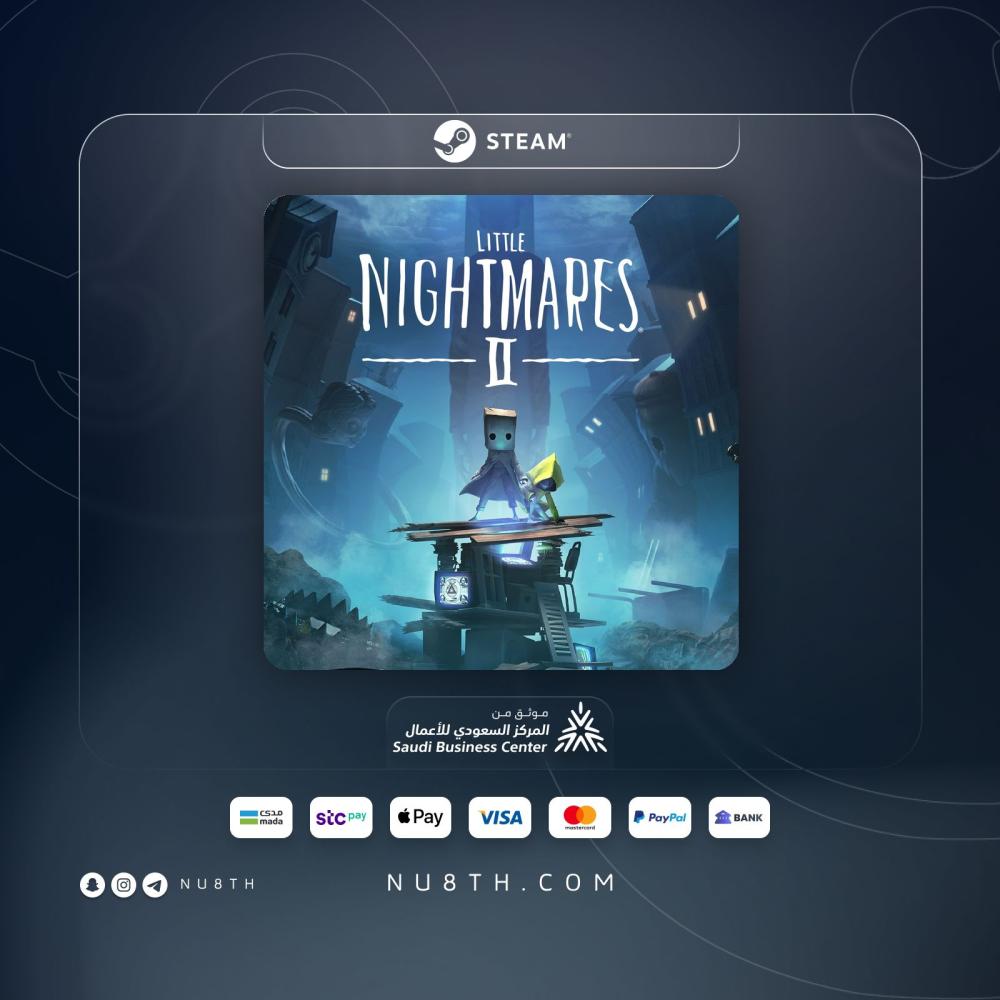

If you want a horror adventure that stays tense from the first scene, Little Nightmares II PC delivers a dark single-player journey built around puzzles, stealth, and anxious escapes 👀. This page uses a shared account format on Steam for offline story completion, with email delivery and clear activation guidance.
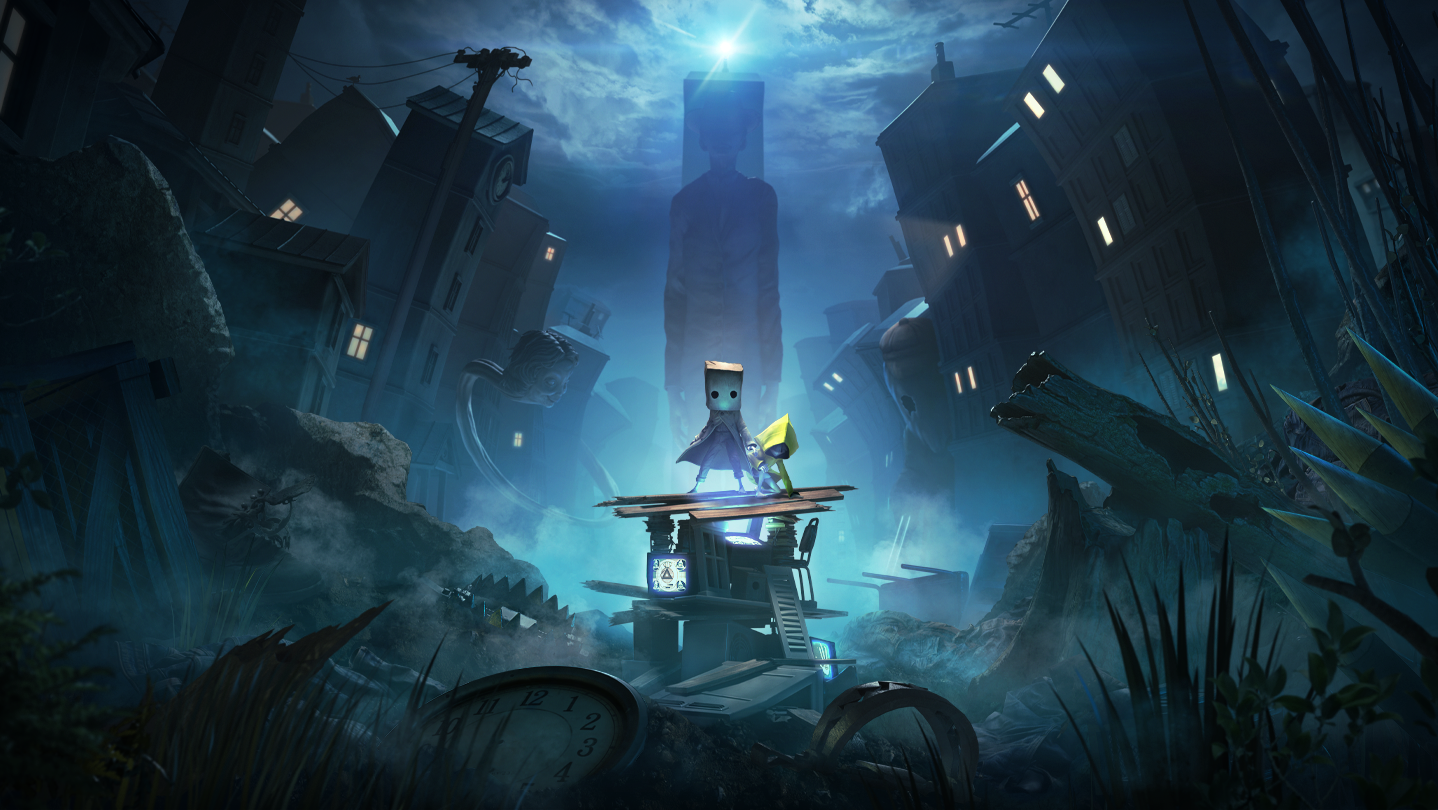
Quick note: This is the Standard edition on Steam for PC. The current listing is a shared account intended for offline play only, with 1 month of support.
One-line summary: Little Nightmares II PC shared account is a clear digital option if you want the full Steam story experience with a straightforward setup.
Context: Little Nightmares II is a single-player suspense adventure from Tarsier Studios and Bandai Namco Entertainment, released on February 10, 2021.
Local fit: A tidy option for Saudi buyers who want a clear PC setup and guided delivery 🎮.
Specs • Delivery • Activation • FAQ
Quick spec snapshot
- Platform: PC via Steam
- Account type: shared account
- Delivery method: email with activation guidance
- Edition: Standard
- Compatibility: Windows 64-bit PC
- Requirements: Windows 10, 4 GB RAM, DirectX 11 minimum
- Language: Arabic interface and subtitles, English audio and subtitles
- Developer: Tarsier Studios
- Publisher: Bandai Namco Entertainment
- Warranty/Support: 1 month + support if needed
- Price: 7.67
Official trailer
A quick look at the mood, characters, and tension without leaning into major spoilers.
Game overview and why it stands out
In Little Nightmares II you play as Mono, with Six beside you, moving through a distorted world tied to the Pale City and the Signal Tower. The experience blends suffocating atmosphere, environmental puzzles, stealth sections, and sharp chase moments without leaning on spoilers.
If you prefer horror that builds pressure through mood, sound, and uneasy exploration more than constant combat, this PC version has a strong identity. Arabic interface and subtitles also make the details easier to follow from start to finish.
Who this version is for
- Players who enjoy story-led horror and unsettling atmosphere
- Fans of single-player puzzle and stealth adventures
- Anyone wanting Little Nightmares II on PC through Steam
- Buyers looking for a clear shared account setup for offline completion
Good use cases
- A focused weekend playthrough
- Headphone-friendly horror sessions with strong atmosphere
- Continuing the series on PC after the first game
- Offline story play after installation and setup
Key features and benefits
- A tense single-player journey built on exploration, horror, and puzzles
- Mono and Six at the center of a clear suspense-driven adventure
- Stealth, escape sequences, and limited combat that keep the mood intact
- PC version on Steam with Arabic interface and subtitles support
- shared account format that suits offline story completion
Little Nightmares II PC
How you will receive it 📩
After your order, the account details are sent by email with the steps you need for activation. Delivery for this shared account format is usually quick, and the instructions explain the process clearly from the start.
Activation steps
- Receive the account details and instructions by email.
- Sign in to Steam with the provided account and download the game.
- Follow the included steps to prepare the game for offline play correctly.
- Do not change the account details or its core security settings.
Requirements and constraints
- Windows 10 PC with 64-bit support.
- Official minimum requirements include 4 GB RAM and DirectX 11.
- A graphics card such as GTX 570 1 GB or Radeon HD 7850 2 GB is listed as the minimum.
- Steam and an internet connection are needed for the initial download and setup steps.
- This format is intended for offline play only and is not set up for online use.
Trust and support
If anything feels unclear during sign-in, download, or activation, support is there to help with practical steps. Support available if you face issues ✅
Compatibility details
- Works on Windows PC through Steam.
- This is a single-player experience, not a console or mobile listing.
- Arabic support is available for interface and subtitles according to the Steam page.
- This page is for the Standard edition in a shared account format.
Common mistakes to avoid
- Changing the account details, which is the main mistake with a shared account.
- Assuming the listing is meant for online play when this format is for offline story completion.
- Ordering before checking your PC specs and Steam setup.
Related option
Game atmosphere gallery

FAQ
How fast is Little Nightmares 2 PC shared account delivery?
This shared account format is usually delivered quickly by email with clear activation steps.
Is this listing an account or a direct activation code?
This page is for a shared account format, not a direct code, and delivery includes account details plus activation guidance.
How will I receive Little Nightmares II PC on Steam?
You receive the account details by email along with the instructions for sign-in, download, and setup on Steam.
How do I activate the game after delivery?
Sign in with the provided account, download the game, and follow the included instructions to prepare offline play properly.
Is this offer for offline play only?
Yes, this format is set up for offline story completion only, as shown on the page.
Is Little Nightmares II PC a good fit if I prefer horror and puzzles over heavy combat?
Yes, the game leans heavily into atmosphere, puzzles, stealth, and chase tension more than direct combat.
Can I change the account details?
No, do not change the email, password, or protection details on a shared account.
Does Little Nightmares 2 PC support Arabic and what are the PC requirements?
According to the Steam listing, Arabic is supported for interface and subtitles, and the official minimum includes Windows 10, 4 GB RAM, DirectX 11, and 64-bit support.
Is the region fixed?
Region can vary depending on the available account format, and any important restriction is clarified before or during delivery.
What if I face an issue after delivery?
Send the details of the issue and support will help within the available support period for this product.
Can a digital order be refunded after the account details are sent?
Digital orders are handled carefully, and once the account details are sent and access to the content begins, refunds are usually not available unless there is a technical issue covered by support.
Leave a review ⭐