


If you want to buy NBA 2K26 PC and prefer a clear digital buying flow, this page gives you the key details up front 🏀. This listing is for NBA 2K26 for PC with shared account and private account options delivered by email.
Quick summary: A basketball simulation for PC that includes MyCAREER, MyTEAM, MyNBA, The W, and Play Now, with Gen 9 features on the PC version.
Built for shoppers in Saudi Arabia who want a straightforward digital purchase experience on PC without guessing the activation steps.
Quick Specs • Delivery and Activation • FAQ
Quick Specs 🎮
- Product: NBA 2K26 on PC
- Category: basketball simulation
- Developer and publisher: Visual Concepts and 2K
- Available purchase formats: shared account, private account
- Delivery method: email delivery with activation guidance
- Delivery time: shared account is instant, private account takes 15 minutes to 12 hours
- Key modes: MyCAREER, MyTEAM, MyNBA, The W, and Play Now
- Connectivity: Play Now, MyNBA, and The W can be played offline, while most competitive modes need internet access
- Language: Arabic is not officially listed as a supported language, while English is supported
- Region: varies by the delivered account
Official trailer
A short official look at the game's overall vibe and major modes.
Why choose NBA 2K26 on PC? 🏀
NBA 2K26 on PC is a strong fit for players who want depth, progression, and competition in one package. The game leans into more realistic movement through ProPLAY, and the PC version is part of the Gen 9 lineup, which also brings The City to PC.
You can build your player in MyCAREER, assemble a roster in MyTEAM, run a franchise in MyNBA, or jump into quick games in Play Now. That variety makes the game work for both short sessions and longer progression-focused play.
Who is it for? ✅
- Basketball sim fans on PC
- Players who enjoy MyPLAYER progression and online competition
- Users who like franchise control and season management in MyNBA
- Shoppers who want a clear digital purchase flow on PC
Main features and benefits ✨
- More natural movement and a stronger on-court feel
- A solid mix of solo, competitive, and co-op style play depending on the mode
- The City on PC adds more room for progression and community play
- Some modes work offline, while connected modes add deeper competitive value
- A dual-analog controller is recommended for a smoother experience
Available purchase formats
Shared account
Good if you want quick access, and delivery is usually instant ⚡. Follow the sent instructions carefully and do not change the account details.
Private account
This is a separate purchase format from the shared account, and order processing usually takes 15 minutes to 12 hours 📩. Follow the activation guidance and any sent steps related to updating the account details if they are included with your order.
How delivery and activation work
- After checkout, the delivery details arrive by email with clear activation steps.
- Follow the instructions on your PC in the same order they are sent.
- Complete sign-in and access or download based on the format you selected.
- Some modes need an internet connection, and some features may ask for an in-game 2K account sign-in.
Support available if you face issues ✅
Requirements and important limits
- A 64-bit system is required. Windows 10 is the baseline and Windows 11 is recommended.
- You need 110 GB of storage and an SSD is required.
- Minimum hardware starts around an i3-9100 or Ryzen 3 1200 with 8 GB RAM.
- Your system needs a DirectX 12 capable GPU and a CPU that supports AVX2.
- Internet is required for initial installation, and many competitive modes depend on being online.
Compatibility notes
- This product is for PC only
- Arabic language support is not officially listed
- Offline play is available for some modes, not everything
- Region and detailed usage rules can vary depending on the delivered account and activation method
Common mistakes to avoid
- Choosing a format before understanding the difference between shared account and private account
- Changing account details on a shared account
- Skipping the sent instructions for a private account when data updates are part of the process
- Assuming every mode works offline
- Not checking storage space and system compatibility before ordering
Support and reassurance 🛠️
Delivery comes by email with activation guidance, and help is available when needed. Post-purchase support is available for up to 12 months according to the product policy and case status.
Ready to start on NBA 2K26 PC? Order Now
Leave a review ⭐
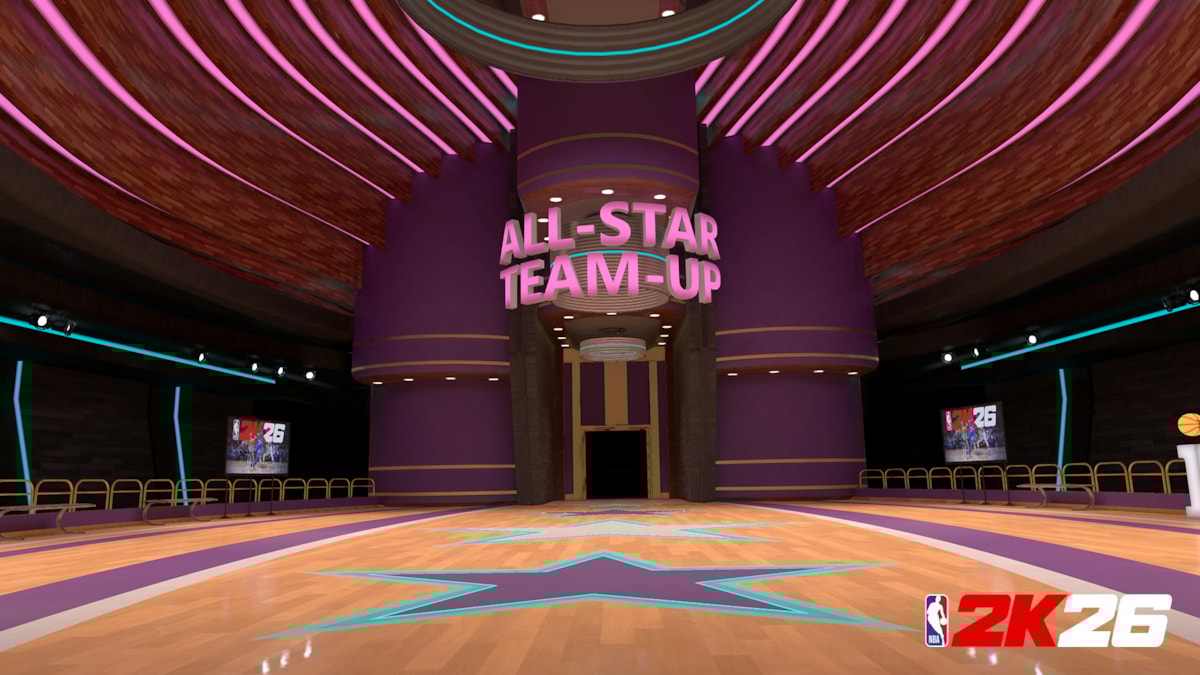
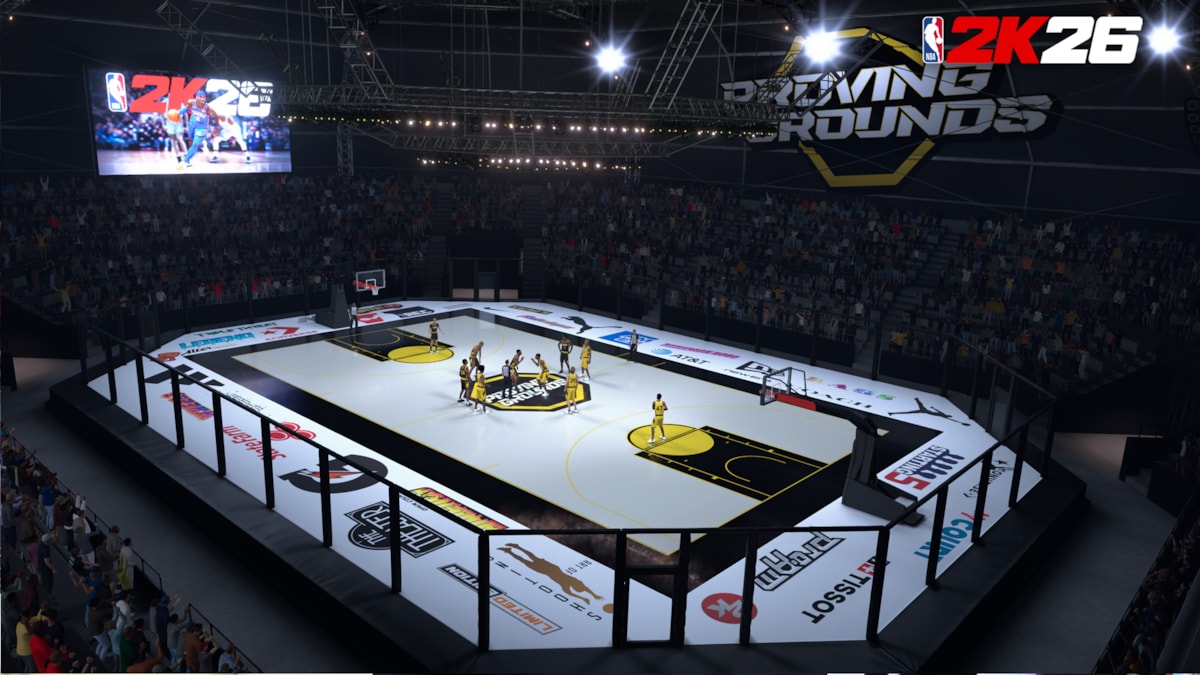
Game images
Related options
If you want another platform, see NBA 2K26 on Xbox.
FAQ
Does NBA 2K26 PC include MyCAREER and MyTEAM?
Yes. The PC version includes well-known modes such as MyCAREER, MyTEAM, MyNBA, The W, and Play Now, so you get a mix of progression, management, and quick-play options.
What is the difference between shared account and private account?
The difference is in the usage format and the instructions you need to follow. A shared account should not have its details changed, while a private account follows the activation guidance and any included steps related to data updates.
When will my order be delivered?
Shared account orders are usually instant. Private account orders usually take from 15 minutes to 12 hours.
How is NBA 2K26 PC delivered?
The product is delivered by email with activation guidance. Check your inbox and follow the steps in order for a smoother setup.
Can I play NBA 2K26 PC offline?
Some modes such as Play Now, MyNBA, and The W can be played offline, but most competitive modes need internet access and some features may require in-game account sign-in.
Does the game support Arabic?
Arabic is not officially listed as a supported language, so it is better to expect English or other listed languages unless that changes later.
Will it run on a mid-range PC?
That depends on your hardware, but the official minimum requires a 64-bit system, 8 GB RAM, SSD storage, and a DirectX 12 capable graphics card. If your PC is near or above that level, you are in a better position.
Can I change the account details?
Do not change account details on a shared account. For a private account, follow the sent guidance instead of making changes on your own.
What if I face an issue after delivery?
Contact support with the issue details and you will be assisted based on your order status and case details.
Is there a refund or resolution if activation fails?
Because digital products are handled differently, the case is reviewed based on delivery and activation status, then the available help or resolution is provided according to policy. It is best to contact support quickly and avoid changing anything before you receive guidance.