

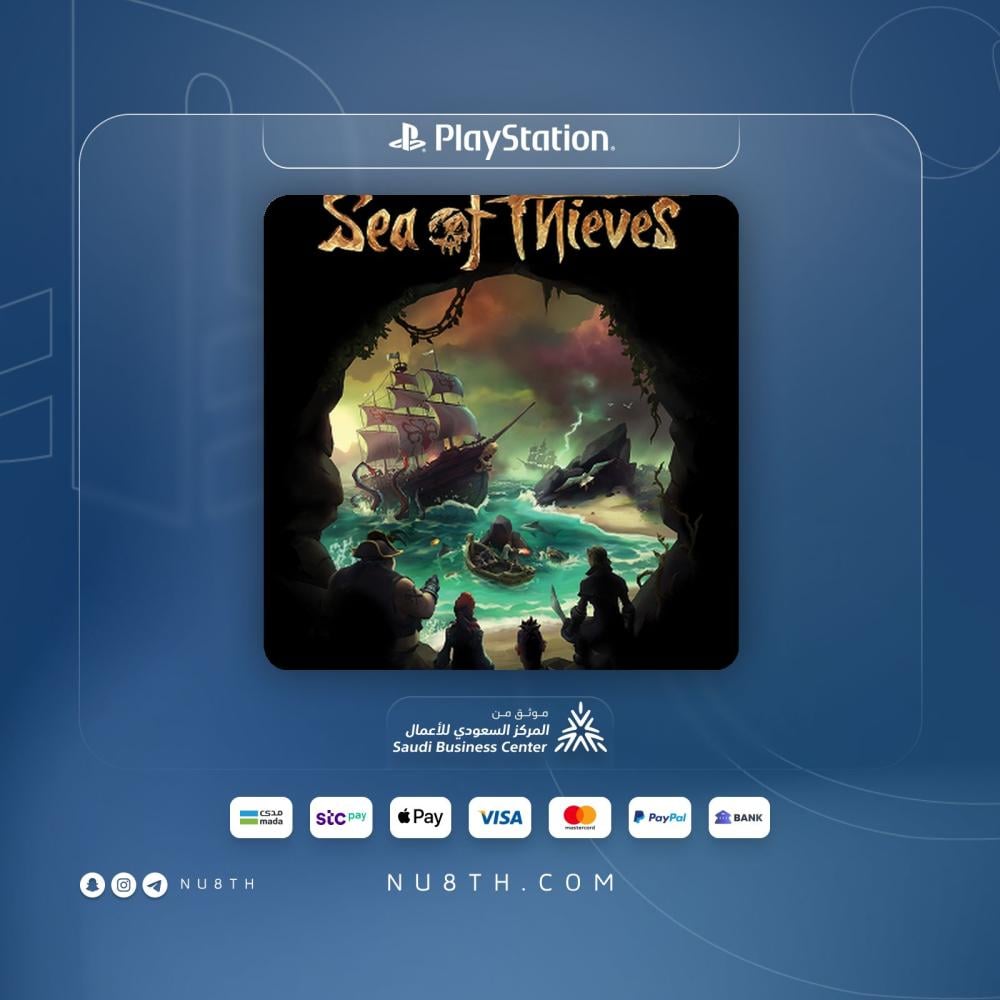

If you want a pirate game that feels alive every session, Sea of Thieves on PS5 is a strong pick 🌊 You sail an open sea, hunt treasure, fight at sea, and create your own stories whether you start solo or crew up with friends.
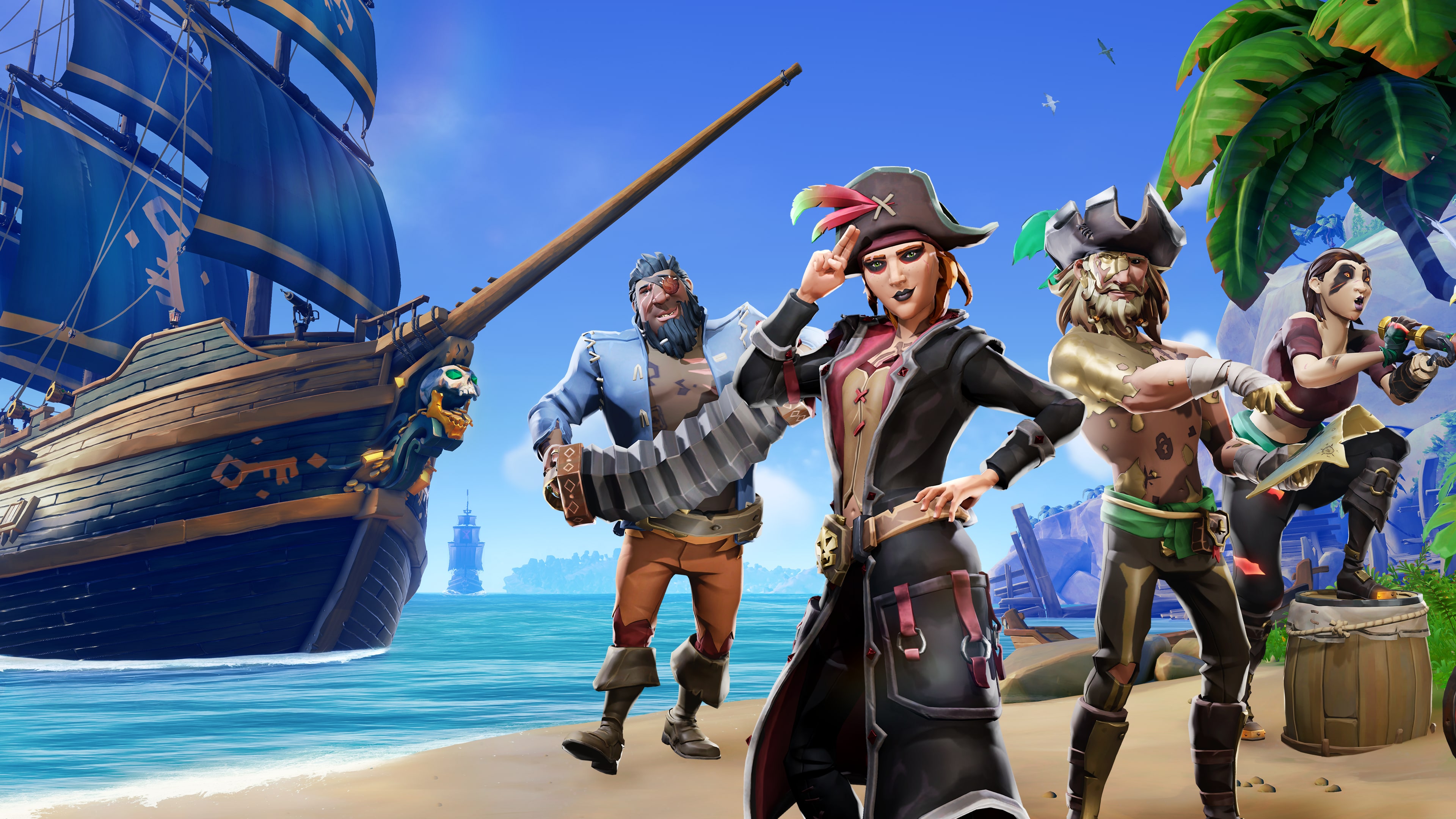
Quick summary: Sea of Thieves on PlayStation 5 blends exploration, ship combat, loot hunting, and online co-op in a shared world that keeps evolving with seasonal updates.
Context: Sea of Thieves is an open-world pirate action-adventure from Rare built around freedom, crew play, and unpredictable encounters.
A neat fit for Saudi shoppers who want a clear digital PS5 buying flow with practical activation guidance 💙
Sea of Thieves PS5
Quick specs
- Platform: PS5
- Account type: primary account
- Delivery method: account details by email plus activation guidance
- Compatibility: PS5 only
- Requirements: internet connection, PlayStation Network account, Microsoft account linking at first launch, PS Plus for multiplayer
- Developer: Rare
- Publisher: Microsoft
- Support/Warranty: 6 months
- Price: 54.95
Offer on this page
This page is for Sea of Thieves on PS5 as a primary account. It is not a code, wallet card, or PS4 listing, so the steps and notes here are written for that exact format.
What you get and why it stands out ⚓
Sea of Thieves drops you into an open sea full of lost treasure, forts, sea monsters, ship battles, and crew moments that can turn from calm sailing to chaos in minutes. You can sail alone, build a crew, or jump into High Seas for richer shared-world encounters with other players.
On PS5, the appeal is stronger because the game brings cross-platform play, seasonal updates, and controller features like DualSense trigger support. If you enjoy adventure games that mix exploration, combat, and unexpected social moments, this one keeps delivering.
Who is it for? 🎯
- Players who enjoy open-world co-op adventures
- Anyone who wants freedom between exploration, combat, and treasure hunting
- Groups spread across different platforms who want cross-play support
- Players who like long crew sessions or a slower solo start to learn the systems
Good use cases and play styles
- Evening co-op sessions with friends
- Relaxed treasure runs and island exploration
- Sea battles against other ships or world threats
- Safer Seas for a calmer pace or High Seas for more pressure and better rewards
Key features and benefits
- Open-world pirate sandbox with room to create your own route
- Play solo or with a crew and enjoy cross-platform sessions
- Seasonal updates help keep the game active and varied
- The PS5 version supports up to 24 online players with PS Plus, plus DualSense trigger support
Official trailer
A quick look at the sailing, combat, and pirate tone of the PS5 release.
How you will receive it
After the order is placed, the account details are sent by email with activation guidance. Usual fulfillment time is around 15 minutes to 12 hours depending on order volume, and the process is kept clear and practical.
- You receive the account details
- You receive the activation guidance
- If you need clarification, support is available
Activation steps on PS5
- Add the delivered account to your PS5
- Follow the activation steps sent with the order carefully
- Download the game to your console
- Launch the game and link the correct Microsoft account at first launch
- Start playing using the method explained in your instructions
Requirements and constraints
- This product is for PS5 only
- An internet connection is required because the game relies on online connectivity
- You need a PlayStation Network account
- You need to link a Microsoft account when launching the game for the first time
- PS Plus is needed for multiplayer, while some solo options may still be available with an internet connection
- Region and language availability may vary by account and game updates
Compatibility details that matter
- This purchase is for Sea of Thieves on PS5 only
- It is not suitable if you need PS4, Xbox, or PC access
- The game itself supports cross-platform play, which is useful if your friends are on different systems
- Use the correct Microsoft account on first launch if you want your progress tied to the right account
Common mistakes to avoid
- Do not change any account data or settings
- One device is allowed per purchase
- Do not sign in as a guest if you want the account to stay properly set on your console
- Do not log out of the account or delete it after activation
- Breaking the instructions may affect support or warranty handling
Support and reassurance
Support available if you face issues ✅
The listed support period for this product is 6 months. If you hit an access or activation issue, send your order number and a short explanation or screenshot if available, and the case can be reviewed with you properly.
Leave a review ⭐
Looking for another platform?
If you need Sea of Thieves on Xbox instead of PS5, you can check the relevant page here:
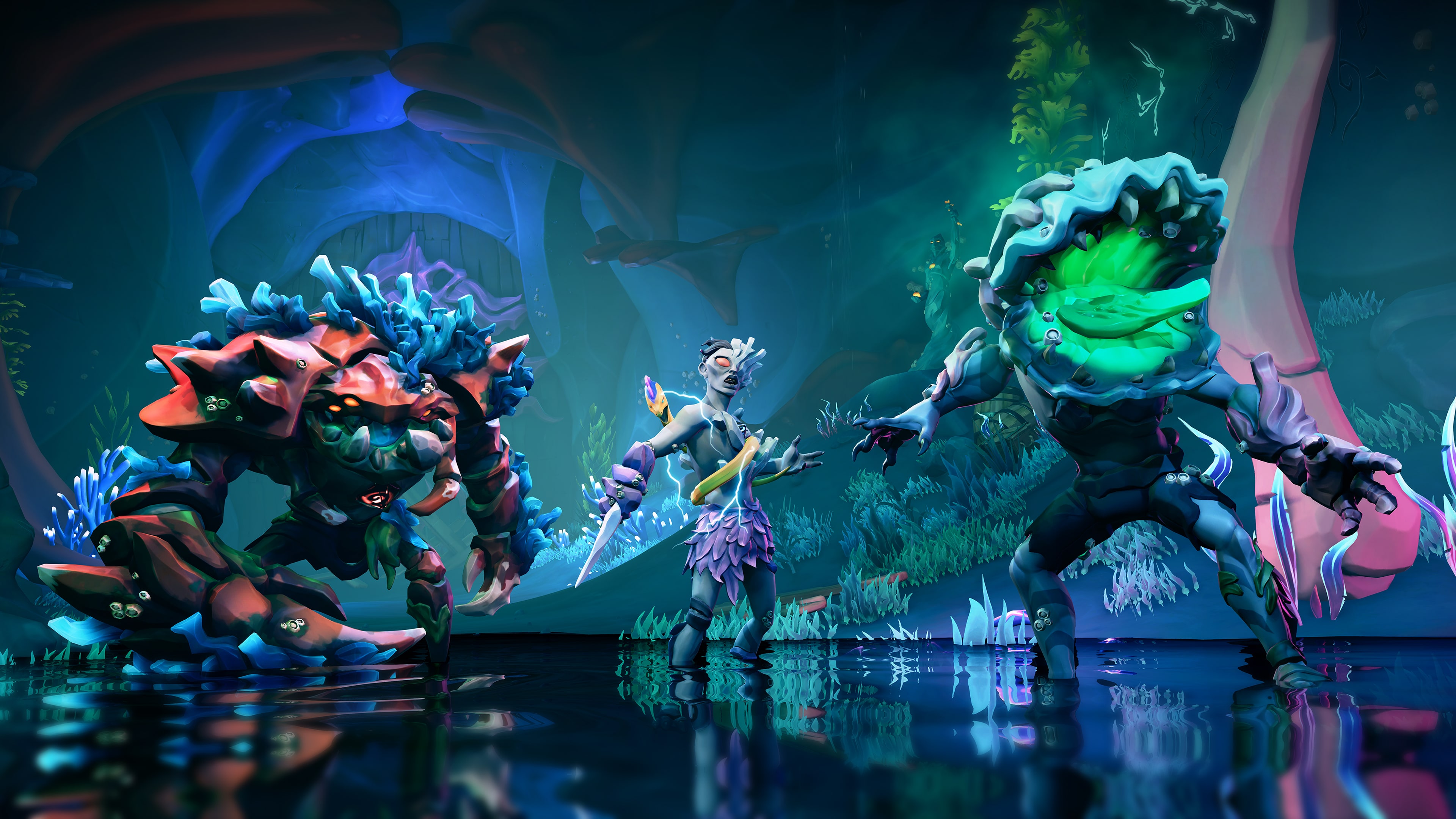
Gameplay gallery

FAQ
When will my order be delivered?
Usual fulfillment is around 15 minutes to 12 hours depending on order volume and processing flow.
How do I receive the product after purchase?
The account details are sent by email together with the activation instructions for this order.
How do I activate the Sea of Thieves account on PS5?
Add the delivered account to your console, follow the sent steps, download the game, and complete Microsoft account linking at first launch if prompted.
Can I play using my personal account?
With this format, usage is usually handled on your console after activation using the sent instructions, so the key point is to follow the steps exactly and avoid changing settings.
Does Sea of Thieves on PS5 need a Microsoft account and PS Plus?
Microsoft account linking is required when the game starts on PS5. PS Plus is important for multiplayer, while certain solo options may still remain available with an internet connection.
Does this work on PS4, Xbox, or PC?
No. This page is specifically for the PS5 version only. If you need another platform, choose the matching listing for that device.
Are region and language fixed?
Region is not specified here, and language availability may vary depending on the account, platform updates, and in-game support. Ask before ordering if you need a specific option.
What should I do if I face an activation or access issue?
Contact support with your order number and a short explanation or screenshot if available. The case can then be checked and handled based on the issue type.
Can I request a refund after the details are delivered?
Because this is a digital product delivered as usage details, refund or adjustment requests are usually reviewed before delivery or when there is a verified technical issue, depending on the case.
Is this a good fit if I want a clear digital PS5 option?
Yes, if you want Sea of Thieves on PS5 in a primary account format with clear activation steps and support when needed, this is a strong fit. Just follow the delivered instructions carefully.