


Windows subscription for PC gives you a clear way to order the version that fits your setup, with digital code delivery by email and helpful activation guidance 💻✨
In short: choose Windows 10 or 11 and pick Home or Pro during checkout, then receive your code and instructions by email 📩
It is a practical option for shoppers in Saudi Arabia and beyond who want a clear digital buying experience for PC.
Specs • Delivery • Activation • FAQ
Ready to order Windows for PC?
Quick snapshot
- Product: Windows for PC
- Purchase format: digital subscription with activation code
- Platform: PC
- Available versions: Windows 10 or Windows 11
- Available editions: Home or Pro
- Delivery method: email with activation guidance
- Region and language: depend on the version you choose
Why this product works well
This page keeps the buying flow simple: choose the version you need, select the edition that fits, and receive everything digitally in a clear format 🧩
It is a strong fit if you already know what you need and want a cleaner purchase flow without unnecessary confusion.
Who is it for?
- Users setting up a compatible PC for daily use, study, or work
- Buyers who need Windows 10 or Windows 11 based on device compatibility
- Anyone who wants to choose between Home and Pro during checkout
- Shoppers who prefer email delivery over physical shipment
Key benefits
- Clear version and edition selection during checkout
- Digital code delivery with no physical shipping
- Activation guidance included to make the process easier ⚙️
- Focused specifically on PC buyers
- Support available if you face issues ✅
Available versions and editions
This page includes Windows 10 or Windows 11, with Home or Pro available based on your selection during checkout. If you already know what fits your setup, choose it from the start for a smoother experience.
How delivery works
After order processing, the digital code is sent to your email together with activation instructions.
Delivery timing depends on order processing, so make sure your email details are correct and keep an eye on your inbox.
Activation steps
- Choose the version you want: Windows 10 or 11.
- Select the edition you need: Home or Pro.
- Complete the order and confirm your email address.
- Receive the digital code and activation instructions.
- Follow the provided steps to activate the product on a compatible PC.
Requirements and limits
- Designed for compatible PC devices.
- Exact compatibility depends on your hardware and the version you choose.
- Some activation steps or requirements may vary by edition.
- Do not assume multi-device use unless that is clearly stated in the instructions you receive.
Compatibility
This product is intended for PC and is not meant for Mac or Android. Before ordering, check that your device matches the Windows version you plan to choose, especially if you are deciding between Windows 10 and Windows 11.
Common mistakes to avoid
- Choosing a version that does not match your device.
- Selecting Home when you actually need Pro, or the other way around.
- Entering the wrong email address and delaying delivery.
- Expecting a physical shipment for a digital product.
- Starting activation before reading the instructions fully.
Why this page is easy to shop
You are looking at a focused page with a clear platform, known options, and digital delivery backed by helpful guidance 🛡️
If you want a straightforward Windows purchase flow for PC, this setup keeps things clean and easy to follow.
Leave a review ⭐
Start your Windows order for PC now.
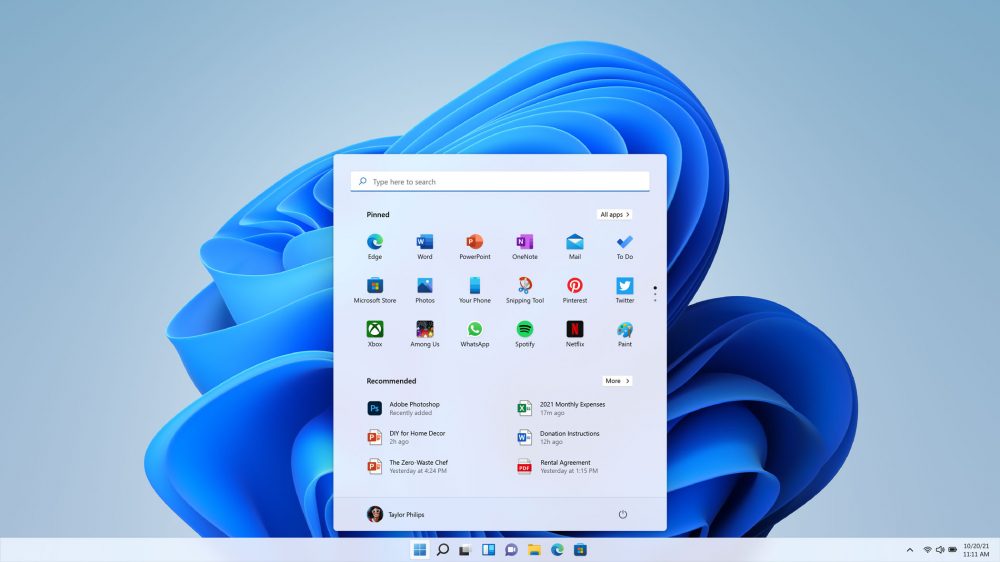
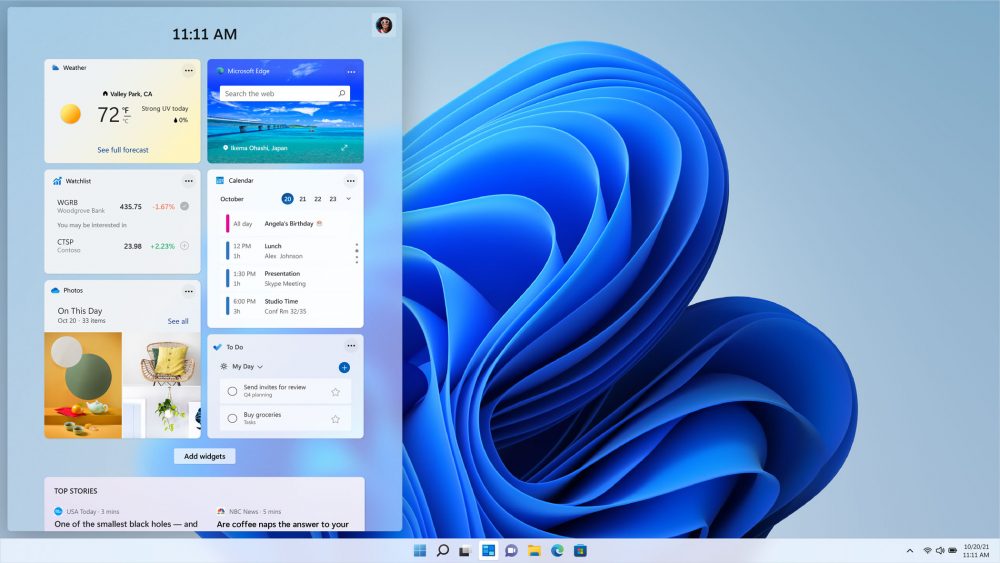
Visual preview
FAQ
What do I receive after ordering?
You receive a digital code by email along with activation guidance for the option you selected.
Does Windows subscription for PC arrive by email?
Yes, delivery is handled by email, so it is important to enter the correct address and monitor your inbox after checkout.
Can I choose Windows 10 or 11 and Home or Pro?
Yes, the available options on this page include Windows 10 or 11 and Home or Pro based on what is shown during checkout.
How do I activate it on my computer?
Once the code arrives, follow the provided instructions step by step to activate the product on a compatible PC.
Can I use it on more than one device?
That depends on the option you ordered and the activation instructions provided. Do not assume multi-device use unless it is clearly mentioned for your purchase.
Do region or language details matter?
Region and language can vary based on the version, edition, and device setup, so review those details before activation if you have a specific requirement.
Is this a digital Windows purchase for PC?
Yes, this page is built for a digital Windows purchase on PC, with the code and guidance sent by email after processing.
What if I have a problem with the code or activation?
Contact support and share the issue details, plus a clear screenshot if needed, and you will be guided based on the case. Support available if you face issues ✅
Is there a refund after delivery?
Because this is a digital product, refund requests are reviewed case by case depending on whether the code was sent or used. It is best to confirm your choice before completing the order.