

وش الفرق بين الاتمت والبي سي والاسنشل… وأي نوع تختار؟
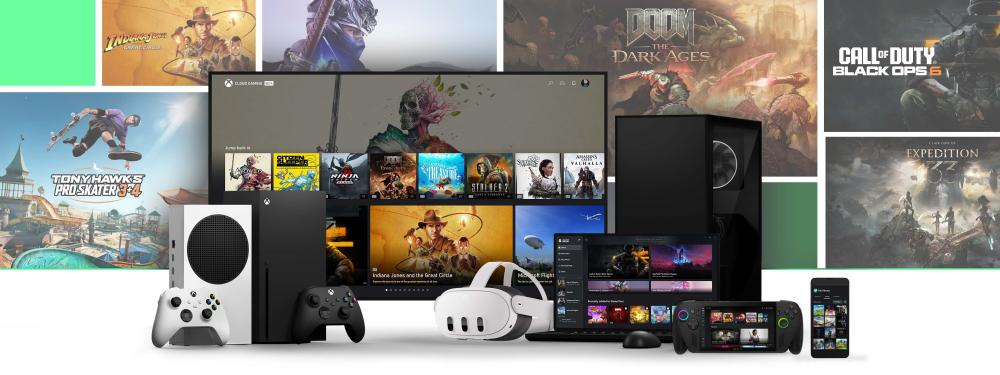
إذا كنت محتار بين Xbox Game Pass (اكسبوكس باس / قيم باس): هل تروح قيم باس التمت ولا اشتراك قيم باس PC ولا Essential (الاسنشل)—فأنت مو لحالك. لأن كل خطة “تشبه الثانية” من بعيد، لكن فرق الاستخدام اليومي كبير: جهازك، هل تلعب أونلاين على الكونسول، وهل تحتاج بث سحابي، وهل تهمك ألعاب اليوم الأول.
في هذا الدليل بنشرح الفرق بشكل عملي—وبأسئلة بسيطة توصل للخيار الأنسب لك بدون تعقيد. (وبالمناسبة: كثير يسميها “قيم باس” أو “الاكس” اختصارًا، لكن الفكرة واحدة: اختيار خطة Game Pass المناسبة لك). (Xbox.com)
Source: Xbox (cms-assets.xboxservices.com)
ملخص سريع جدًا (للي مستعجل)
- Ultimate (الاتمت / قيم باس التمت): باقة “كل شيء” عادةً—مكتبة ضخمة، ألعاب جديدة من اليوم الأول، وميزات إضافية. (Xbox.com)
- PC Game Pass (قيم باس PC / اشتراك xbox game pass pc): ممتاز للـPC فقط مع ألعاب كثيرة على الكمبيوتر ومزايا مرتبطة بالـPC. (Xbox.com)
- Essential (الاسنشل): خيار اقتصادي غالبًا للي يلعب على Xbox ويريد أونلاين + مكتبة مختارة أصغر. (Xbox.com)
ملاحظة مهمة: الألعاب والميزات تتغير بمرور الوقت وحسب المنطقة والخطة والمنصة. (Xbox.com)
1) Xbox Game Pass Ultimate (قيم باس التمت): لمن يناسب؟
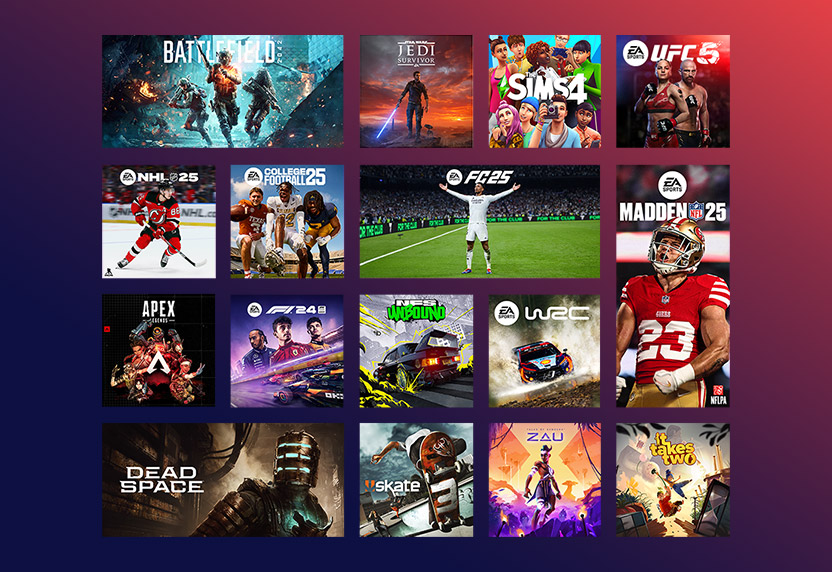
إذا تبي “أوسع تجربة” بدون ما تفكر كثير: اشتراك Game Pass Ultimate عادةً هو الأكثر شمولًا. حسب صفحة Xbox الرسمية، الخطة تركز على مكتبة كبيرة جدًا (يُذكر 500+ ألعاب) مع ألعاب جديدة من اليوم الأول وميزات إضافية مثل EA Play و Ubisoft+ Classics وميزات أخرى مذكورة ضمن الباقة. (Xbox.com)
اختَر الاتمت إذا:
- عندك Xbox + PC أو تحب تلعب على أكثر من جهاز.
- تهمك ألعاب اليوم الأول قدر الإمكان.
- تحب “المزايا الإضافية” المرتبطة بالخدمة (مثل EA Play و Ubisoft+ Classics حسب الخطة). (Xbox.com)
قد لا يناسبك إذا:
- أنت تلعب PC فقط وتبي أقل تكلفة.
- ما يهمك اليوم الأول أو الإضافات، وتبي خطة أبسط.
2) PC Game Pass (اشتراك قيم باس PC): الخيار الذكي للاعبين الكمبيوتر
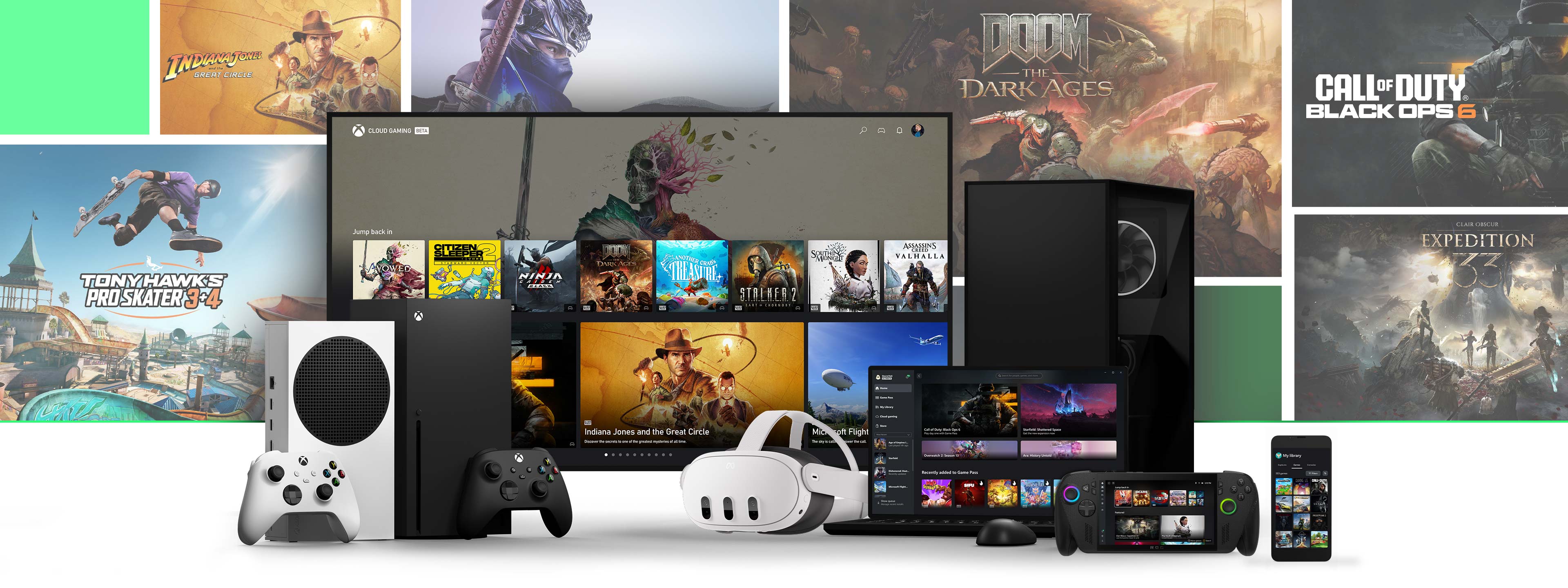
لو جهازك الأساسي هو الكمبيوتر، فـ PC Game Pass مصمم لك: مكتبة كبيرة من ألعاب الـPC، مع عناوين من اليوم الأول على PC (بحسب الوصف الرسمي)، إضافةً إلى EA Play و Ubisoft+ Classics ضمن مزايا خطة الـPC. (Xbox.com)
اختَر قيم باس PC إذا:
- تلعب على Windows PC أغلب الوقت.
- تبغى “قيمة مقابل سعر” بدون دفع مزايا ما تحتاجها على الكونسول.
- تبي اشتراك مثل “قيم باس pc ultimate شهر” بمعنى تجربة شهرية على PC قبل الالتزام (حسب المتاح في المتجر والباقات).
متى ما يكفيك؟
- إذا تحتاج أونلاين على Xbox كونسول (PC ما يحتاج اشتراك للأونلاين مثل الكونسول).
- إذا تبي مزايا Ultimate كاملة بدل PC فقط. (Xbox.com)
Source: Xbox (cms-assets.xboxservices.com)
3) Xbox Game Pass Essential (الاسنشل): البوابة الاقتصادية للكونسول
Essential غالبًا تكون خيار ممتاز إذا هدفك الأساسي:
- اللعب أونلاين على كونسول Xbox
- الوصول إلى مكتبة مختارة (يُذكر 50+ لعبة) بدل مكتبة أضخم. (Xbox.com)
اختَر الاسنشل إذا:
- تلعب على Xbox وتحتاج الأونلاين.
- تبي خطة أخف وتركّز على الأساسيات (مكتبة مختارة + لعب أونلاين + بعض المزايا داخل الألعاب حسب الوصف). (Xbox.com)
قد لا تناسبك إذا:
- تبي “أكثر عدد ألعاب” ممكن أو عناوين يوم أول باستمرار.
- تبي باقة تجمع أشياء أكثر (خصوصًا لو تستخدم PC + كونسول).
كيف تختار؟ 6 أسئلة تختصر عليك القرار
- تلعب وين؟
- PC فقط → غالبًا PC Game Pass
- Xbox كونسول فقط → شوف Essential أو أعلى
- الاثنين → غالبًا Ultimate
- هل تحتاج أونلاين على الكونسول؟
- نعم → Essential أو أعلى (الأونلاين مذكور ضمن خطط الكونسول). (Xbox.com)
- هل تهمك ألعاب اليوم الأول؟
- نعم وبقوة → غالبًا Ultimate
- على PC فقط → PC Game Pass (Xbox.com)
- هل تهمك مكتبة ضخمة جدًا بدل مكتبة مختارة؟
- نعم → Ultimate (أو خطط أعلى حسب المقارنة الرسمية). (Xbox.com)
- هل تحب مزايا مثل EA Play و Ubisoft+ Classics؟
- نعم → عادةً تظهر ضمن Ultimate وPC بحسب الوصف الرسمي. (Xbox.com)
- هل تحب اللعب على أكثر من جهاز؟ (كونسول/PC/موبايل/TV)
- لو هذا يهمك، شوف خطط تدعم اللعب عبر الأجهزة وميزات البث إن كانت متاحة في منطقتك وخطتك. (Xbox.com)
موضوع “البث السحابي” بسرعة (لأن كثير يسأل عنه)
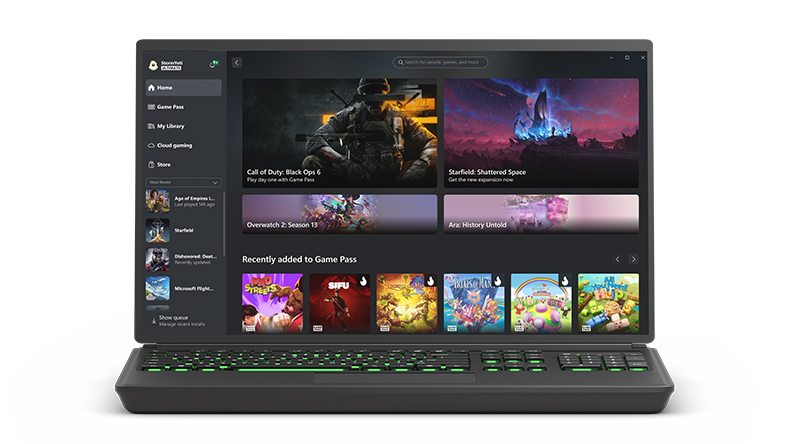
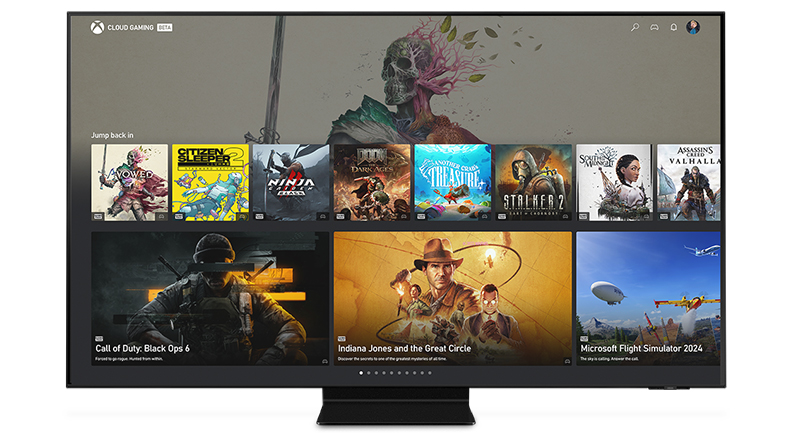
Xbox توضح أن مكتبة الألعاب وميزات السحابة تختلف حسب المنطقة والخطة، وقد تظهر ميزة البث ضمن أكثر من خطة حسب صفحة الخدمة. المهم لك: إذا السحابة عامل حاسم، تأكد من توفرها في منطقتك وعلى جهازك قبل الشراء. (Xbox.com)
Source: Xbox (cms-assets.xboxservices.com)
كيف تفعّل اشتراكك بأمان؟ (خطوات عملية)
بغض النظر عن نوع الاشتراك: اشتراك قيم باس أو اشتراك game pass ultimate أو اشتراك قيم باس pc—اتبع هذي الخطوات:
- تأكد من الحساب والمنطقة: بعض الاشتراكات/الأكواد تكون مرتبطة بمنطقة.
- سجّل دخولك بحساب Microsoft/Xbox الصحيح على الجهاز اللي بتلعب عليه.
- فعّل الاشتراك بالطريقة المتاحة (كود/تفعيل داخل الحساب/اشتراك شهري… حسب ما هو موضح في صفحة المنتج).
- راجع إعدادات الدفع والتجديد التلقائي إذا ما تبي تجديد تلقائي. (Xbox.com)
- فعّل التحقق بخطوتين لحماية حسابك.
ملاحظة عن “قيم باس على حسابك”: بعض المتاجر تقدم التفعيل على حسابك بدل كود. إذا هذا خيار موجود، اقرأ تفاصيل المتجر جيدًا ولا تعطي بيانات حساسة إلا عند الضرورة ومع خطوات حماية واضحة.
مزايا تستفيد منها غالبًا مع Game Pass (حسب الخطة)
- الوصول لمكتبة ألعاب تتغير وتتحدث باستمرار. (Xbox.com)
- خصومات/مزايا داخل ألعاب مختارة حسب الخطة. (Xbox.com)
- على PC: تجربة سلسة عبر تطبيق Xbox للكمبيوتر مع تصفح وتنزيل وإدارة المكتبة. (Xbox.com)
Source: Xbox (cms-assets.xboxservices.com)
أسئلة شائعة (FAQ)
1) هل Ultimate هو نفسه “قيم باس التمت”؟
نعم، كثير يسمونه قيم باس التمت أو “الاتمت”، وهو الاسم الشائع لـ Xbox Game Pass Ultimate.
2) هل PC Game Pass ينفع على Xbox؟
عادةً خطة PC Game Pass موجهة للـPC. إذا هدفك Xbox كونسول وأونلاين، شوف Essential أو Ultimate بحسب احتياجك. (Xbox.com)
3) هل Essential يكفي إذا أنا ألعب Fortnite أو Warzone؟
الألعاب المجانية غالبًا تقدر تلعبها، لكن إذا تبي مكتبة Game Pass الأوسع أو مزايا إضافية، قارن خطتك حسب احتياجك. والميزات/الفوائد داخل الألعاب تختلف حسب الخطة والمنطقة. (Xbox.com)
4) هل الألعاب ثابتة داخل كل خطة؟
لا. Xbox توضح أن العناوين والعدد والميزات تتغير حسب الوقت والمنطقة والخطة والمنصة. (Xbox.com)
5) أنا شفت كلمة “اشترام قيم بلس”… هل هي نفس Game Pass؟
لا، PlayStation Plus خدمة مختلفة لمنصة PlayStation. هنا نتكلم عن Xbox Game Pass (اكسبوكس باس).
6) هل أقدر أجرب شهر واحد؟
حسب المتاح في المتجر: كثير يشترون باقة شهرية (مثل “قيم باس pc ultimate شهر”) للتجربة، ثم يقررون.
الخلاصة: اختيار سريع حسب حالتك
- PC فقط → غالبًا PC Game Pass
- Xbox كونسول + أونلاين + ميزانية → Essential
- تبي كل شيء/أكثر مرونة وألعاب يوم أول → Ultimate (Xbox.com)
لو تبي تشوف الباقات المتاحة وتفاصيل التفعيل عند المتجر: تقدر تراجع صفحة المنتج هنا: اشتراك Xbox Game Pass (قيم باس)
[Internal Link: مقارنة اشتراكات Xbox خطوة بخطوة]
[Internal Link: أفضل ألعاب اكسبوكس باس على PC]
[Internal Link: حل مشاكل تفعيل كود قيم باس وتغيير المنطقة]
[Internal Link: دليل Xbox Cloud Gaming على الجوال والتلفزيون]
[External Reference: official Xbox Game Pass plan comparison page]